Your day at a glance
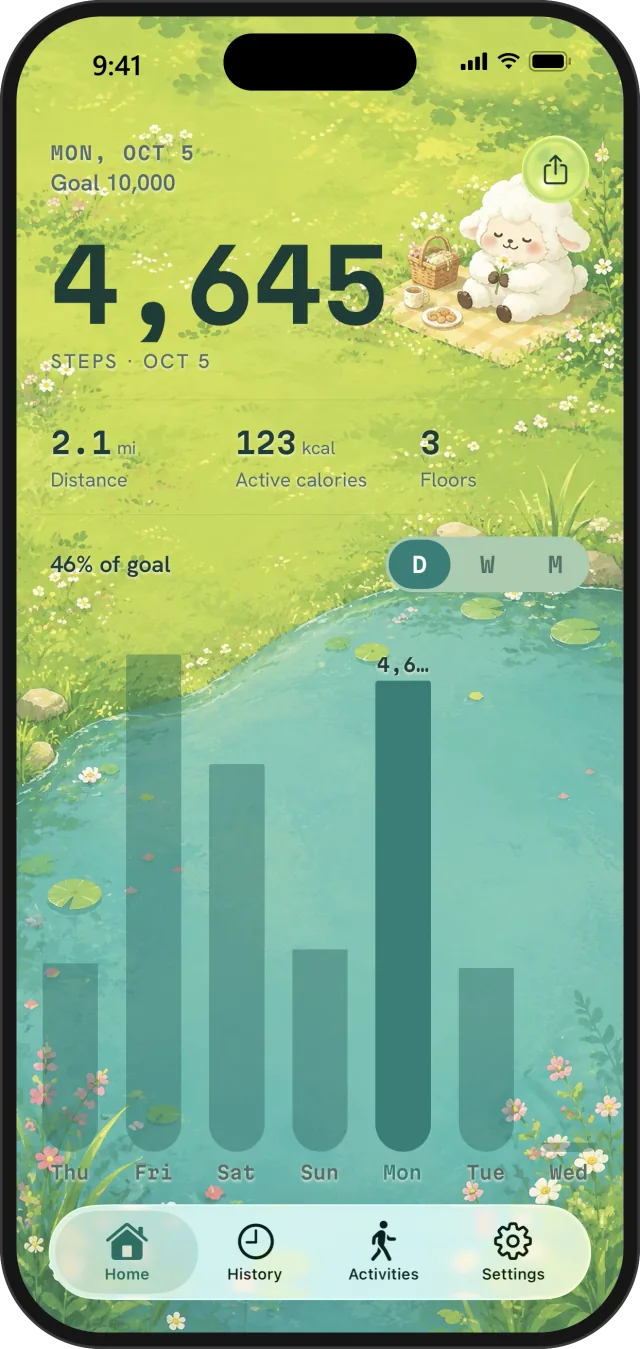
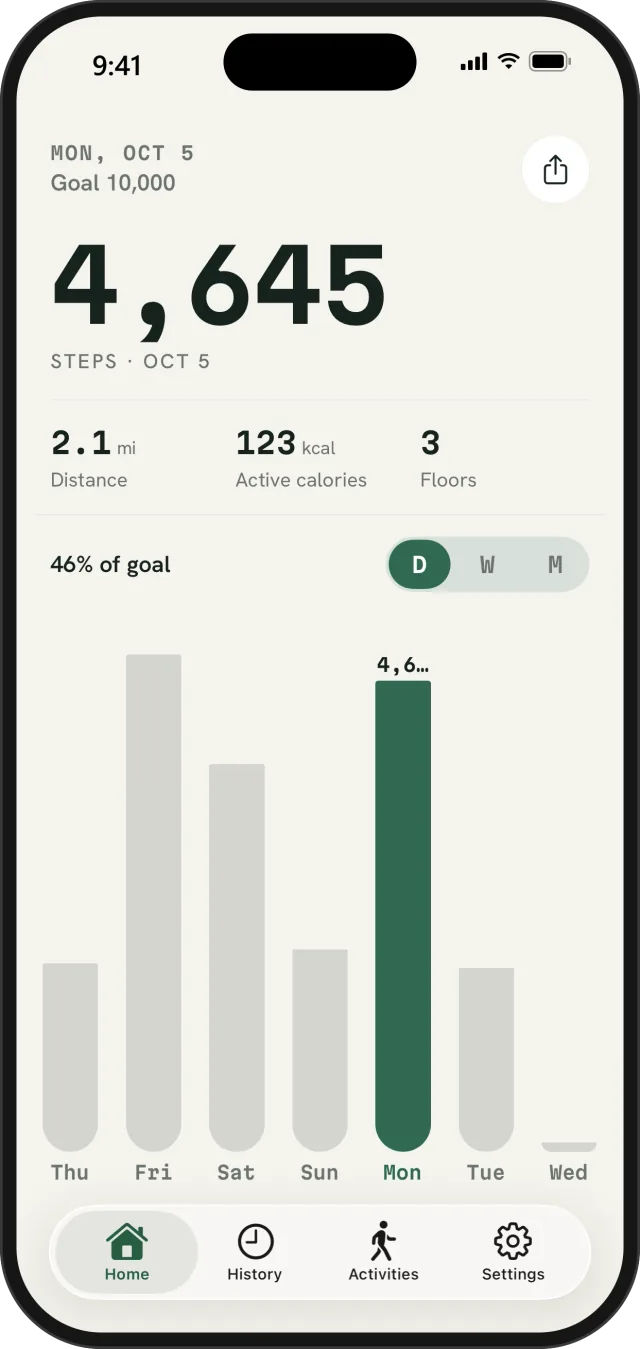
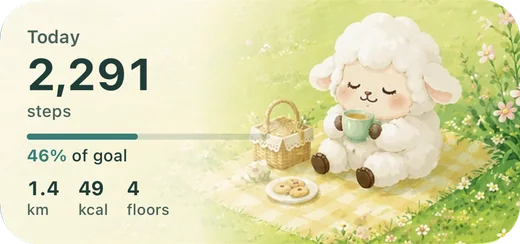
See Apple Health steps, walking and running distance, active energy, floors, and progress toward a daily goal.
 Fawnly
See your Apple Health activity, record outdoor walks, keep private routes, use widgets, and follow richer walking progress—all in a step tracker designed to feel calm.
Fawnly turns movement into a calm daily rhythm—from your Apple Health summary to outdoor activities, history, widgets, and private routes.
See Apple Health steps, walking and running distance, active energy, floors, and progress toward a daily goal.
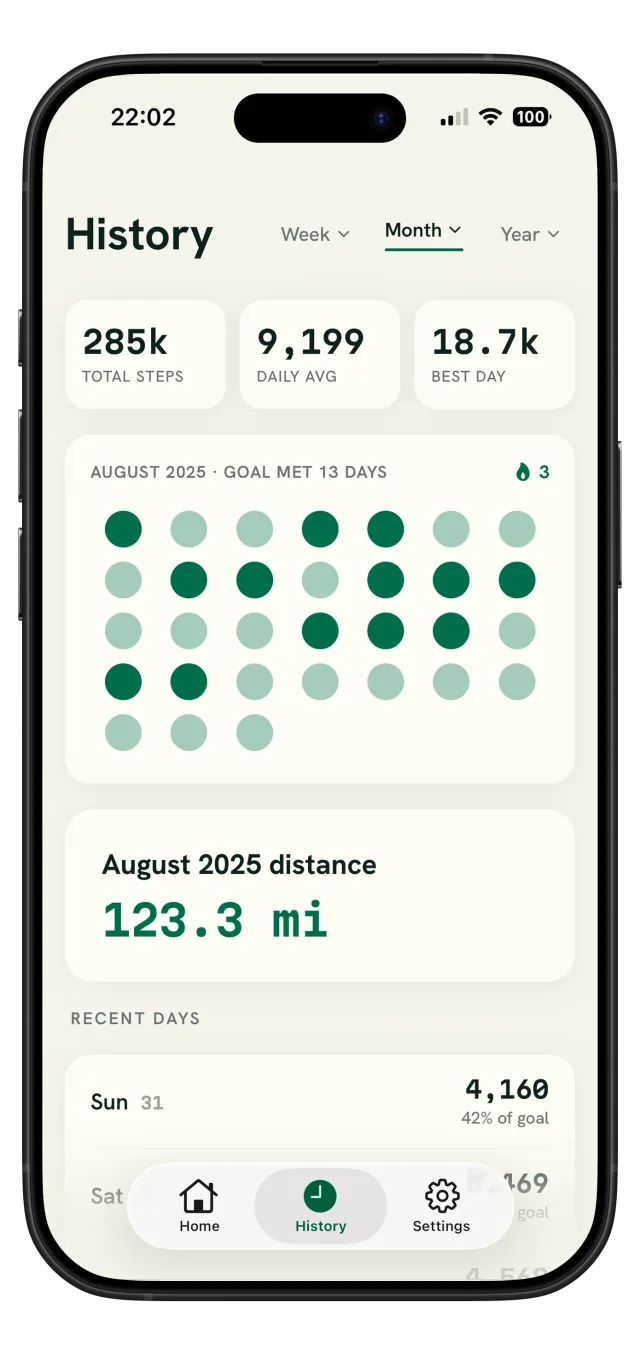
Explore totals, daily averages, best days, goal streaks, recent days, and distance across richer history views.
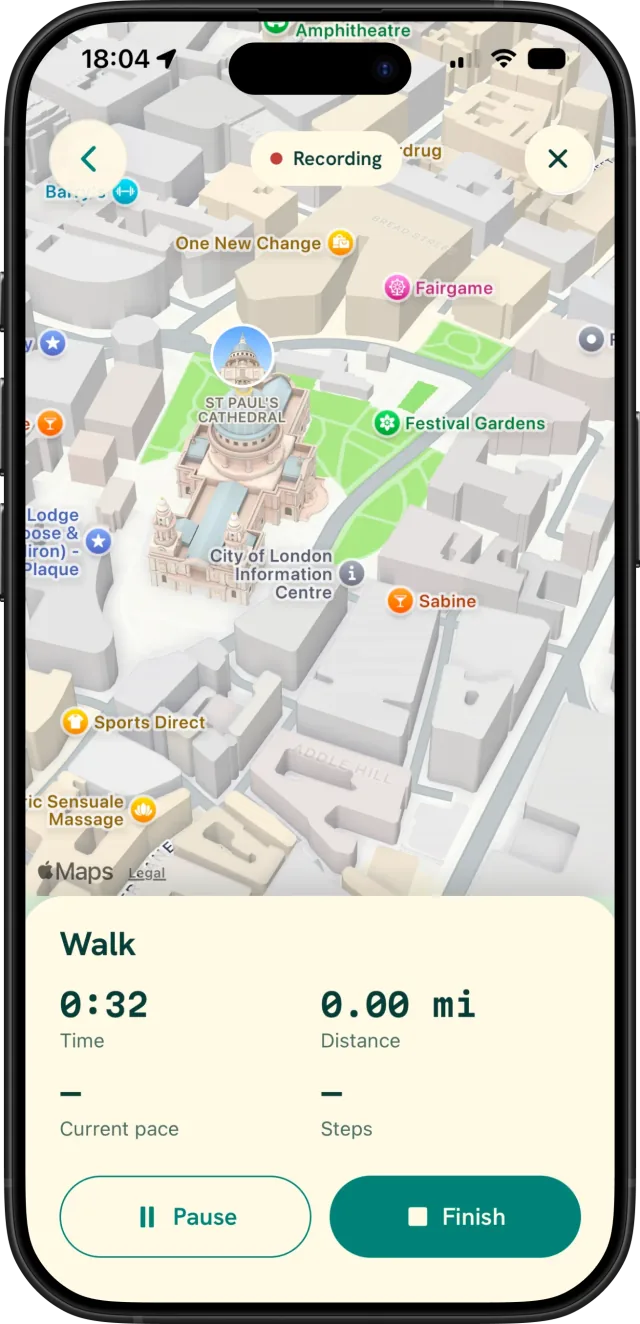
Record a Walk with active time, GPS distance, pace, an Apple Maps route, and optional live session steps.
Keep today’s progress on your Home Screen and follow active recordings from the Lock Screen or Dynamic Island.
Recorded activities and precise route points stay local. Restore eligible Fawnly workouts you previously saved to Apple Health.
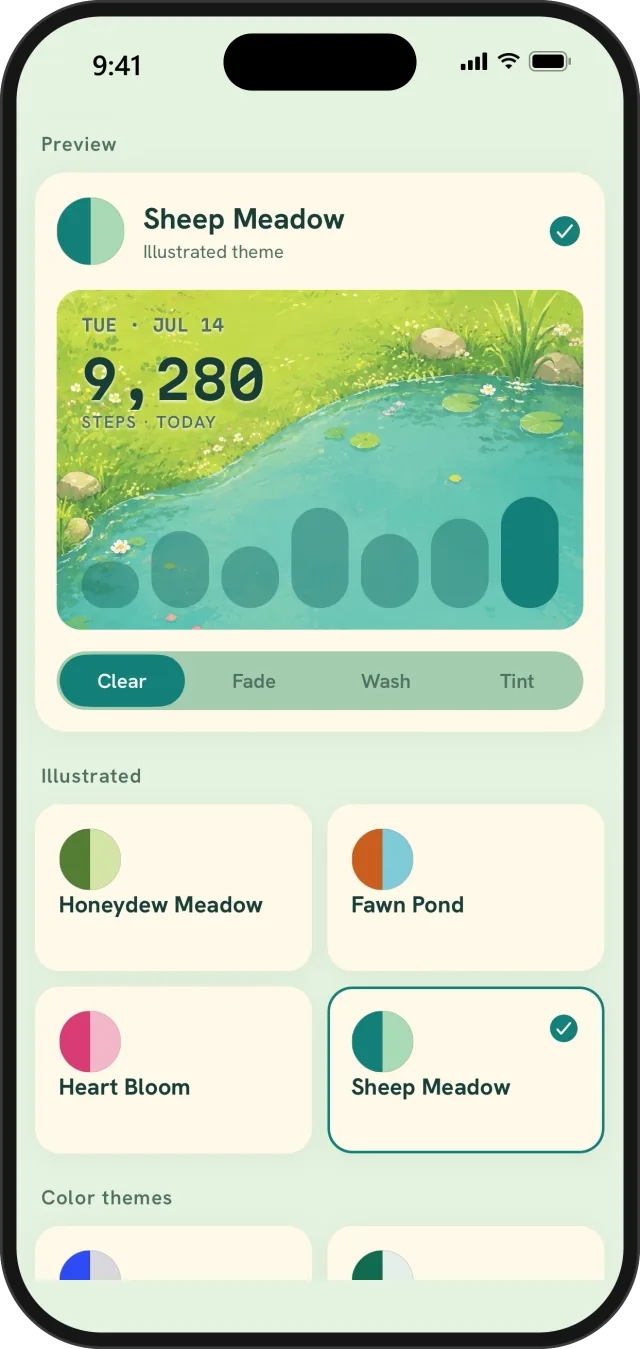
Choose calm color themes, expressive illustrated scenes, readability treatments, and a hero-number style that feels like yours.
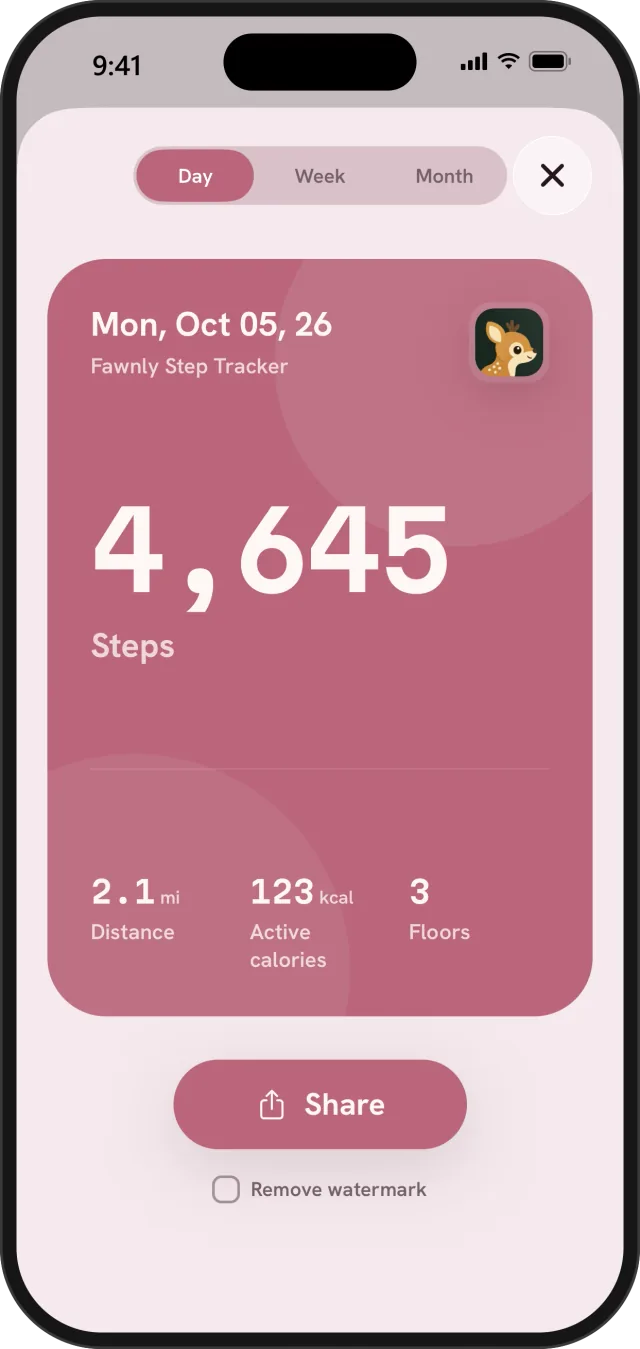
Turn a day, week, month, or recorded route into a thoughtful card, then share only through the destination you choose.
Set your step goal, choose miles or kilometres, switch your Home metric, and control optional reminders.
Fawnly keeps the useful detail close while giving your movement room to feel personal.
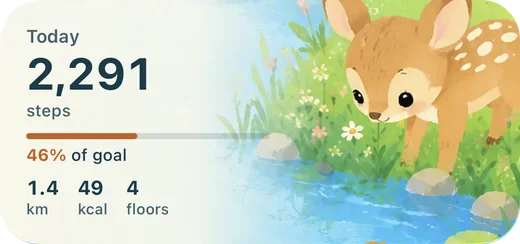
Follow steps, distance, active calories, floors, and goal progress in a Home view that stays quiet and clear.
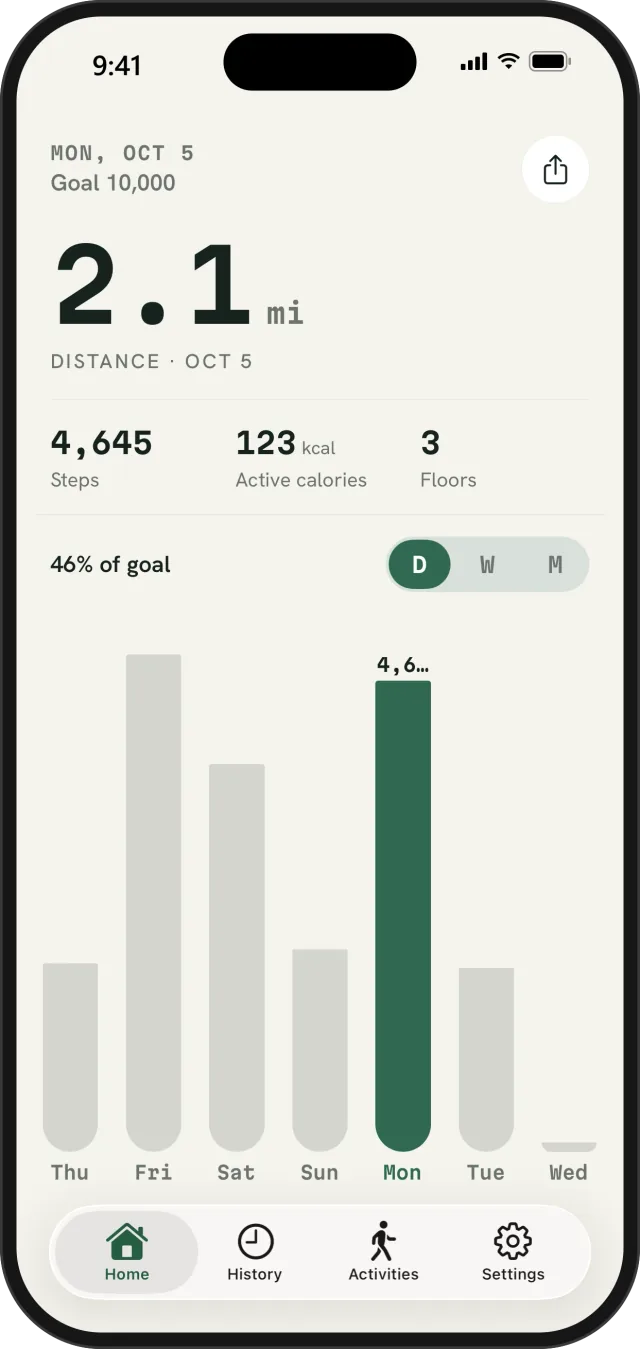
Lead with steps or make distance the big number on Home, in miles or kilometres. Your other stats and the weekly chart stay right below.
Move between Week, Month, and Year history to see totals, averages, best days, streaks, and distance over time.
Choose from calm classic themes and illustrated worlds, then adjust the treatment and hero-number style for readability.
Create polished day, week, or month cards. Route cards use a normalized silhouette instead of an Apple Maps background or raw coordinates.
Start a Walk and follow active time, GPS distance, current and average pace, and an Apple Maps route. With background location, your recording can continue while Fawnly is off screen.
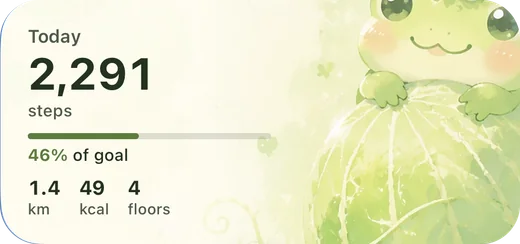
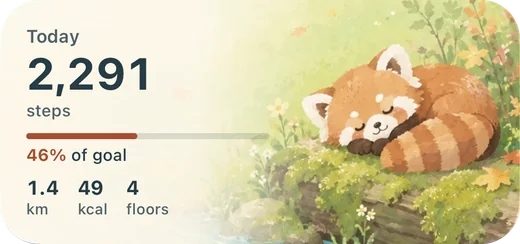
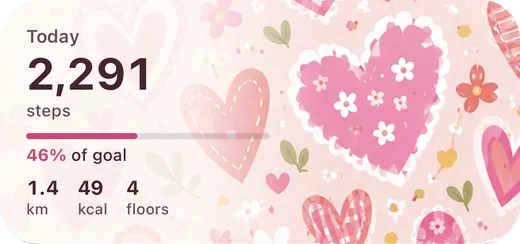
Move from a quiet classic palette to an illustrated pond, meadow, brook, or bloom—then choose Clear, Fade, Wash, or Tint. With Fawnly Plus, your Home Screen widget wears the same theme.
Fawnly does not require an account and does not include Fawnly cloud sync. Apple Health activity, recorded sessions, precise routes, widget snapshots, and settings stay on your device. Location is requested only when you start an outdoor activity.
Fawnly Plus is an optional monthly or yearly subscription. Localized pricing is shown before purchase.
Download on the App StoreiPhone not counting steps, or Apple Health stuck on an old total? Check Fitness Tracking, data sources, and app permissions with this step-by-step fix list.
Read the guideIs 10,000 steps a day necessary? Large studies link about 7,000 to 8,000 steps with major benefits. See what the research says and how to set a realistic goal.
Read the guideRecord an outdoor walk on iPhone with GPS distance, pace, and a route map. Set up location access, keep recording from the Lock Screen, and keep routes private.
Read the guideFawnly is a calm, local-first walking and activity app for viewing Apple Health activity, recording outdoor walks, keeping private routes, using widgets, and building a gentle walking habit.
Yes. With permission, Fawnly reads steps, walking and running distance, active energy, and flights climbed. You can optionally save a completed workout and its route back to Apple Health; Fawnly does not write steps, calories, or elevation.
Only when you choose to start an outdoor activity. Location powers session distance, pace, and the route map. Your precise route stays on your device unless you choose to share a route card.
No. Fawnly has no account or Fawnly cloud sync. Your activity history, recorded routes, widget snapshots, and settings stay local on your device.
Today’s Apple Health summary, basic history, Home Screen widgets, and Walk recording stay free. Fawnly Plus is an optional subscription for premium personalization, extended history, and additional activity features.
Plus unlocks premium themes, custom hero fonts, Month and Year history, older periods, distance-first Home, more share cards, Paced Walk, Hike, Run, route cards, and an optional weekly recap.
Yes. Choose miles or kilometres in Settings.